In 2026, the digital landscape has shifted. With the universal adoption of WiFi 7 and the standardizing of 2,000 Mbps fiber optics, the traditional 1GbE (Gigabit) port has officially become a bottleneck. If you are searching for 2.5 gbps ethernet, you’re likely at a crossroads: Is 2.5G enough, or should you leap to 10G? This guide analyzes the technical necessity and cost-efficiency of 2.5G technology in today’s high-speed era.
Ethernet, WiFi, and data connection! All have a long history. A long road defines the route of data connection and helps us know how the internet has evolved from the 1980s to 2022. There was a time when 1 Mbps data speed was a revolution. Now, we don’t even consider 1 Gigabit Ethernet speed higher.
The world is moving rapidly, and so is the internet. In the future, we will be using terabytes of data speed. A single blink and gigabytes of files are sent. That’s the simple story of the internet that everyone hears. You always use the data at home and in the office, whether it is a Gigabit Ethernet or WiFi connection.
In data connection, what matters is the data speed. This guide will highlight the data speed and determine how 2.5G Ethernet updates your networks.
Suggested Reading: What is Gigabit Ethernet?
What is a 2.5 Gigabit Ethernet Port?
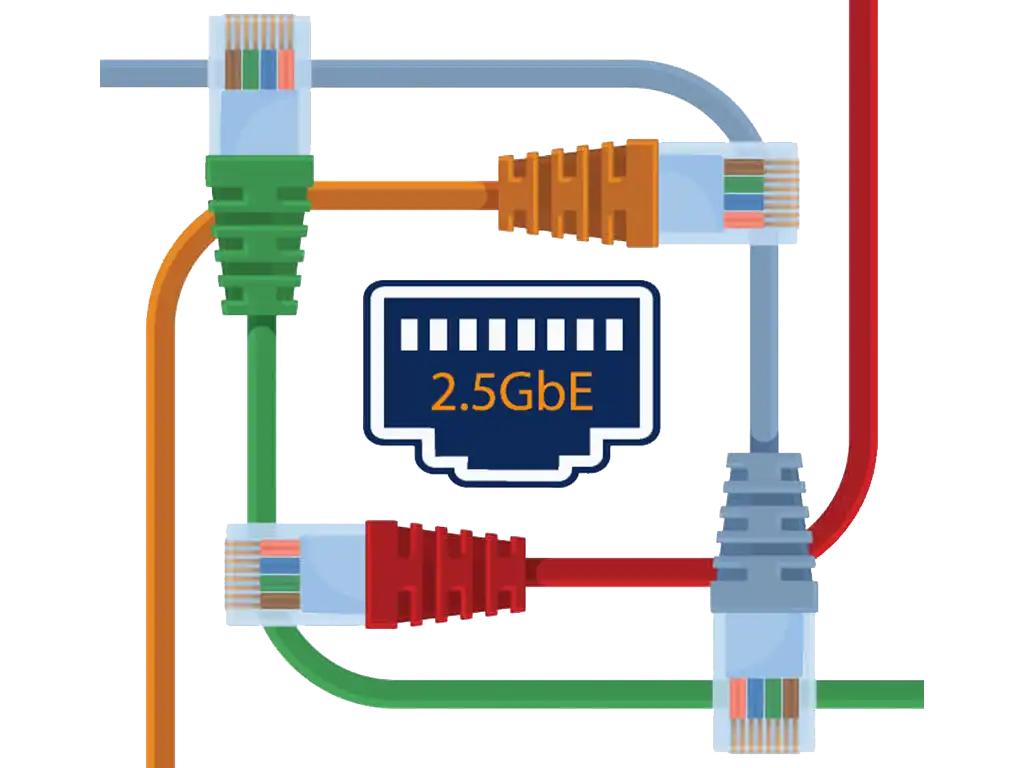
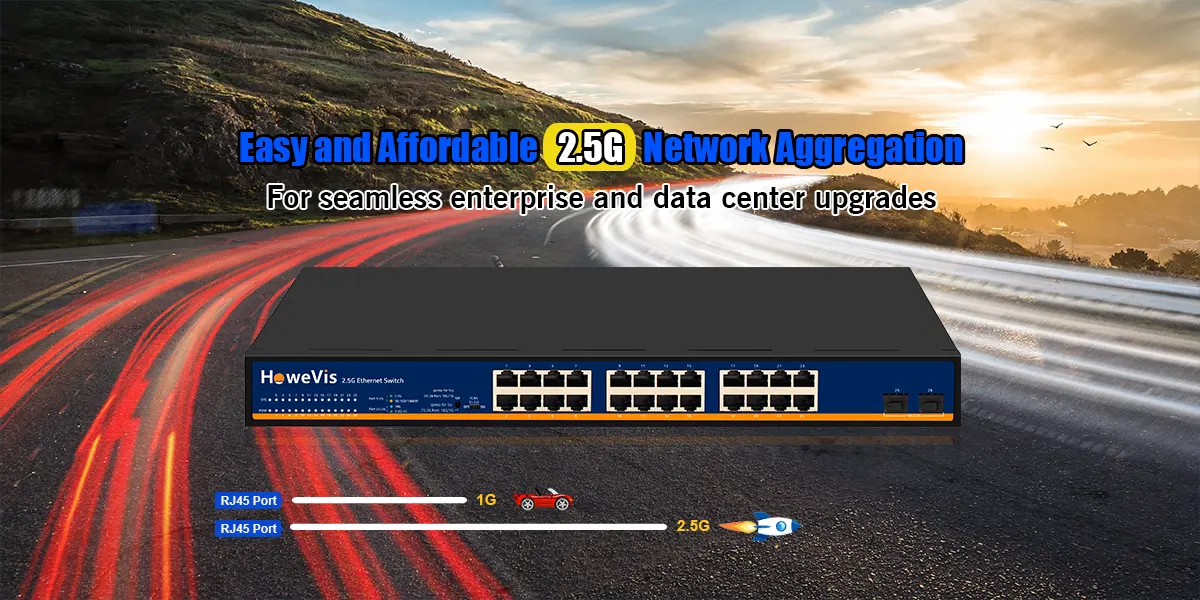
2.5 Gigabit Ethernet, also known as 2.5GbE or NBASE-T (IEEE 802.3bz), is a multi-gigabit technology that delivers speeds up to 2,500 Mbps.
- Unlike the early days of 2022, in 2026, 2.5G is no longer “niche.” It is the standard interface for mid-range NAS (Network Attached Storage), high-end motherboards, and all mainstream WiFi 7 routers.
- The beauty of 2.5 gbps ethernet lies in its ability to run on existing Cat5e cabling, making it the most economical upgrade path for smart homes and industrial upgrades.
10GbE, 1GbE, and 100 Mbps? Isn’t it all we have heard about?
2.5 Gigabit Ethernet seems out of the syllabus, yet another astonishing technology you should deploy at home. Most of the time, we go for the intermediate pathway. 10GbE is highly expensive, and sometimes, 1GbE is NOT SUITABLE.
It is where we think outside the box. Why not have an in-between technology that does kill the snake and doesn’t affect our weapon?
Do you know what that is? 2.5 Gigabit Ethernet or Multi-Giga Ethernet ports are promising solutions with SUPER HIGH SPEED at a CHEAP COST.
2.5 Gigabit Ethernet is a technology that maximizes a higher speed data connection of 2.5 gigabytes per second. If we consider the lower limit, it is 10 Mbps; hence, a suitable alternative to FAST ETHERNET and GIGABIT ETHERNET. Multi-gig Ethernet ports facilitate the data speed.
Let’s find out how they do all this job.
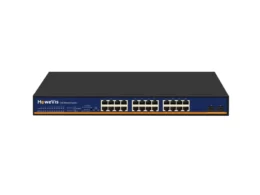
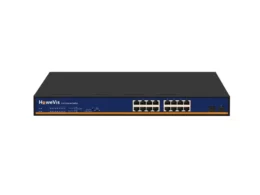
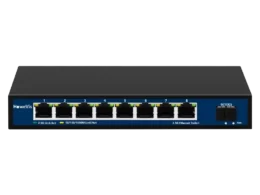
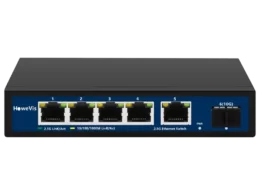
How does it work, and Is it Good?
2.5 Gigabit Ethernet port helps build the connections over the Ethernet network. And What is an Ethernet network?
A connection of the devices over the LAN or WAN makes the grade 2.5 gigabytes per second or lower speeds.
A Multi-gig network might have the following components.
- An Ethernet Device
- We are talking about an Ethernet port.
- 2.5 Gigabit Ethernet switch
- Routers for higher network performance.
Institute of Electrical and Electronics Engineering has defined the principles of the 2.5 Gigabit Ethernet. The working standard is 802.3bz.
What is the Ethernet port suitable for 2.5GbE support?
Good question. That is a good answer as well.
You at least need the implementation of the Cat5e for the 2.5GbE or more. Cat4 or Cat4 would not be helpful. So be sure. What to use? And how to use it?
Data flow occurs through this Ethernet port to connect with the devices.
Is a 2.5GbE port Good?
Yes. Absolutely. It is impressive, just like the 10 Gigabit Ethernet or other technologies. You enjoy a seamless networking experience and high-speed data that never stop your gaming, live streaming, and downloading of 4K videos. Isn’t it something you precisely want?
2.5G Ethernet 2026 Comparative Advantages Table (vs 1G/10G)
| Feature | 1G Ethernet | 2.5G Ethernet (2.5GbE) | 10G Ethernet (10GbE) |
| Max Bandwidth | 1,000 Mbps | 2,500 Mbps | 10,000 Mbps |
| Cable Requirement | Cat5e | Cat5e/Cat6 (No rewiring) | Cat6a/Cat7 (Mandatory) |
| Power Consumption | Very Low | Low (Fanless Design) | High (Requires Cooling) |
| 2026 Market Status | Entry-level / Legacy | Mainstream Standard | Professional / Enterprise |
| PoE Support | Yes (up to 30W) | Yes (up to 90W PoE++) | Limited / Expensive |
Four steps to build the 2.5 Gigabit Ethernet port at home
To get the 2.5GbE rolling at home, you need what? An ISP provider, right? Not only that. But, you must have to climb the stairs multiple steps. Here are these:
Step 1: Check out ISP and Multi-Gigabyte Plan
ISP, Internet service providers can set up a connection for the Ethernet speed. You can choose economical yet conclusive data plans such as 2.5GbE for data speed.
Step 2: Get a 2.5GbE Ethernet port.
Have you worn the hat of the Internet service provider? If yes, buying the 2.5GbE port for your internet is time.
You can purchase the Cat5e that facilitates the 100-meter range while providing the 2.5GbE speed maximum.
Step 3: Unlock the potential of the network by choosing suitable Ethernet devices
Have you done all that? More work ahead. You have to implement the devices. These can be:
- Ethernet switches
- Devices laptops, or even smartphones
- Routers (tools for unleashing higher network performance.)
If you have all that, let’s do the final step.
Step 4: Upgrade your Network
Most NAS devices and laptops already have Multi-Gig support.
What if your device doesn’t have it?
No problem at all. You can install the Thunderbolt connectors to make your device compatible with the Multi-Gig Network Interface Controllers (NIC).
Multiple ways to find whether your network is 2.5GbE or not
Do you have a 2.5GbE at home? Wait. Are you sure?
If you want to be sure of it, we have two methods.
Check out your hardware and connection provided by the internet service providers; if these support 2.5GbE, great! Your data speed area is in a multi-gig range.
If that method doesn’t have a light bulb moment for you, that is not a problem. We always dig into alternative methods.
You can check out the network cards on multiple devices. These are as follows:
WINDOWS
On Windows 10 or 11, you can head over to the DEVICE MANAGER to find the model number of your card.
Press Windows + R, and type devmgmt. MSC, and hit ENTER.
Now, you can find the network adapters to crack the code for the model number of your network card. It will show the maximum network support, whether 2.5GbE or 10GbE.
macOS
On macOS:
Apple menu > About This Mac > System Report > Interfaces
This procedure will lead you to the network adapters, where you can find the network card type. That’s all.
LINUX
You can go to the settings on Linux and find the network adapters to get the network card details.
All these processes will help you dig into the network card features and 2.5GbE support.
You can check the network support through the routers since they show it.
6 Advantages/Applications of Multi-gig Ethernet ports
2.5GbE (2.5 Gigabit Ethernet) is a high-speed networking technology with the following advantages:
| Future-Ready | Meets growing data demands and is easy to upgrade and deploy. |
| Multiple Device Support | Provides stable, high-speed connectivity even with multiple users and devices connected simultaneously. |
| ltra-Fast Downloads | Significantly improves download speeds for large files (such as 4K videos)—for example, a 10GB video can be downloaded in about 4 seconds. |
| Supports Content Creators | Delivers high-speed connections for demanding tasks like video processing and file transfers, boosting productivity. |
| Enhances Gaming Experience | Offers high bandwidth and low latency for smoother online gameplay. |
2.5GbE is an efficient and user-friendly networking upgrade suitable for various scenarios including home use, content creation, and gaming.
Network Storage becomes easy!
Continuous data processing, analysis, and storage all happen at the data centers. A higher data speed in Gigabytes is always sufficient to process gigabytes of files in less time.
Therefore, Data centers deploy multi-gig technologies to fulfill their needs and provide better solutions.
This way, data processing is now better and more manageable with supercomputing features. You can upgrade the technology according to your requirements and enforce serious solutions to network technology.
Here’s all you should know about the 2.5GbE ports.
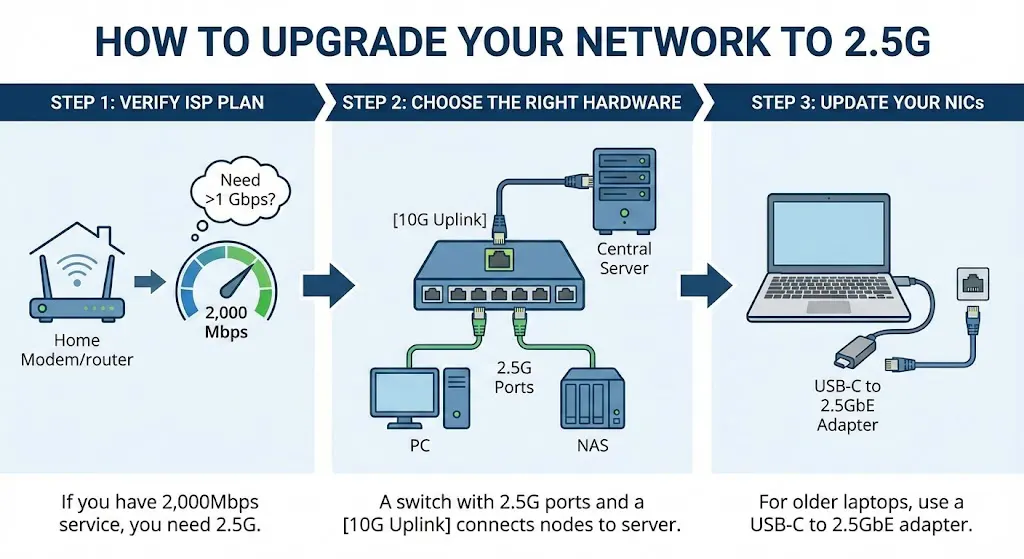
How to Upgrade Your Network to 2.5G?
Step 1: Verify your ISP plan. If you have 2,000Mbps service, you need 2.5G.
Step 2: Choose the right hardware. A [10 Gigabit Ethernet] uplink switch can connect multiple 2.5G nodes to a central server.
Step 3: Update your NICs. For older laptops, use a USB-C to 2.5GbE adapter.
Do you have the 2.5GbE Ethernet port at your home? It is insufficient to have a port unless you have various other options. Devices, switches, and routers are additional yet inevitable tools to complete a network. Without them, you can’t get the data speeds.
Do you want to buy all the tools? HoweVision Professionals can provide you with the latest technology tools to equip your system and provide you with better options. You can explore Ethernet switches, PoE devices, and many more products on the list. Call us directly to get the quote for your project.
FAQ
Q1: Does a 2.5G Ethernet port support PoE?
A: Absolutely. Modern 2.5 gbps ethernet ports on switches (like HoweVision’s series) support PoE, PoE+, and even PoE++ (up to 90W), ideal for powering WiFi 7 APs and PTZ cameras.
Q2: Can I use 2.5G on my old Cat5e cables?
A: Yes! That is the primary advantage. You can achieve 2.5Gbps speeds over 100 meters of Cat5e cabling.
Q3: Is it worth upgrading from 1G if I only game?
A: While 1G is enough for most game latency (ping), 2.5G drastically reduces the download time of 200GB+ modern AAA titles, especially with 2026’s ultra-fast ISP plans.
Q4: How does 2.5G compare to 10G in power consumption?
A: 2.5G typically uses 1/3 of the power of a 10G Base-T port, significantly reducing operational costs in large-scale deployments.
Q5: Are HoweVision switches compatible with 2.5G SFP modules?
A: Yes, our switches support multi-rate SFP+ slots that can negotiate down to 2.5G for maximum flexibility.